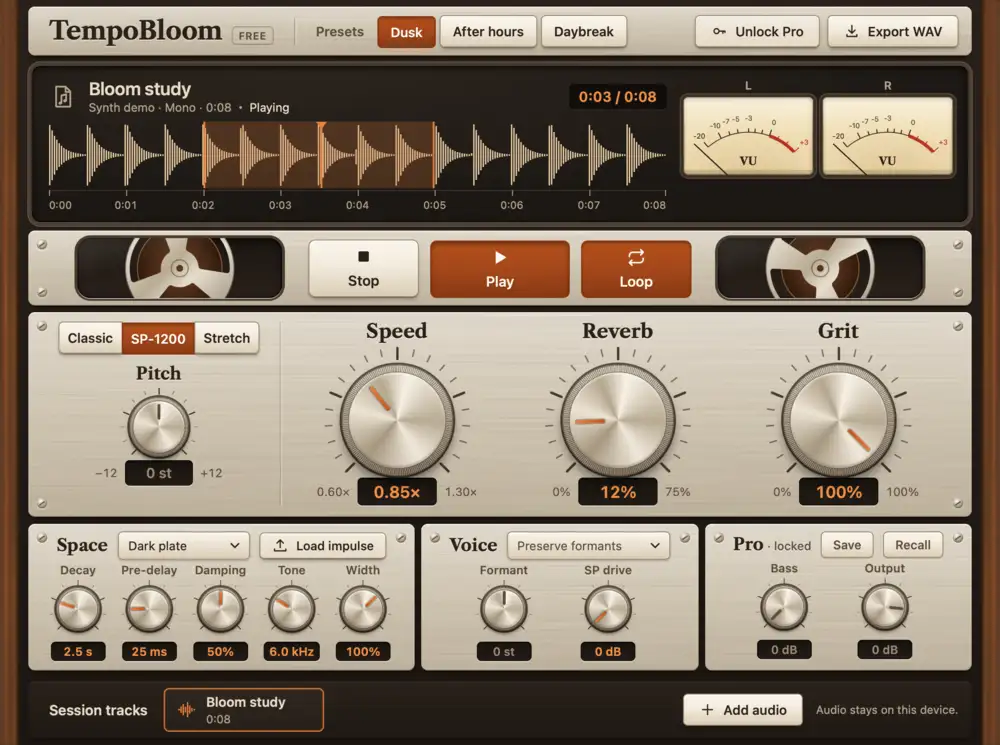
A slowed + reverb studio for the browser and Mac. Loop a chorus, find its pace, and give the last note room to ring. Export the finished track as a stereo WAV.
Make a slowed edit in a browser tab. Start with the eight-second “Bloom study” demo or load a song from your device. Drag across a chorus to loop it, try the Dusk preset, then turn Speed and Reverb until the vocal sits where you want it. Your audio stays in the browser from the first listen to the WAV download.
The free studio includes all three playback modes, reverb, sampler grit and full-track export. Web Pro adds up to 9 dB of bass boost and an output trim from −18 to +3 dB. Save one mix preset on this device to recall your speed, reverb mix, bass and output settings on the next track.
The membership key belongs to the web edition. Enter it once in Unlock Pro. The browser remembers it and checks the membership online whenever you reopen the studio. Export your audio before closing the tab.
$29 one-time desktop license · macOS 14 or later · Apple silicon or Intel
Work through a folder of samples in a dedicated Mac app. Press ⌘O to add audio with the Mac file picker, select a track in the session strip, and loop a few bars. Try SP-1200 mode on a drum break or use Stretch to slow a vocal while keeping it in key. Press ⌘E to save the processed track as a 24-bit stereo WAV.
The desktop app includes the same audio engine, rooms and playback modes as the web studio. Its Pro key unlocks the bass shelf, output trim and a saved mix preset inside the app. Use the preset to carry the same low end and level from one edit to the next.
The studio runs locally, including audio processing and export. You can use the free controls offline. Pro license checks need an internet connection. The one-time Mac purchase has its own Gumroad key, separate from the web membership.
Find a control on the rack, or open the manual for its settings and listening examples.
Session & transport
Add audio and session tracks
Load files from your device and select the track you want to edit.
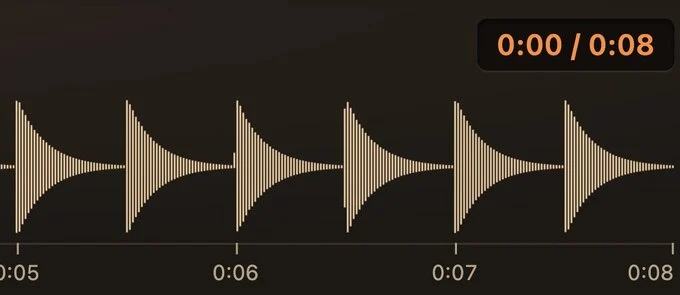
Waveform and clock
Click the waveform to jump to a passage, or drag across it to loop that section.
Play, Stop and Loop
Play starts at the playhead, Stop holds your position, and Loop repeats the selection.
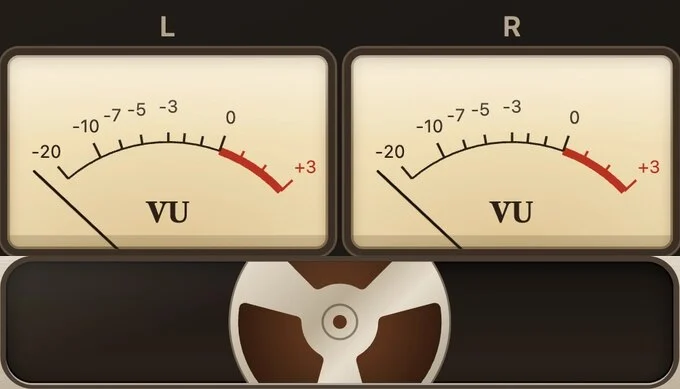
VU meters and reels
The L and R needles show the output level of each channel while the reels follow playback.
Export WAV
Render the entire selected track as a 24-bit stereo WAV, including its reverb tail.
Speed, pitch & texture
Classic
Slow the tape and the pitch falls with it. Speed it up and the pitch rises.
SP-1200
Blend in the sound of a sample captured at 26.04 kHz and 12-bit resolution before it is pitched down.
Stretch
Change tempo and pitch independently.
Speed
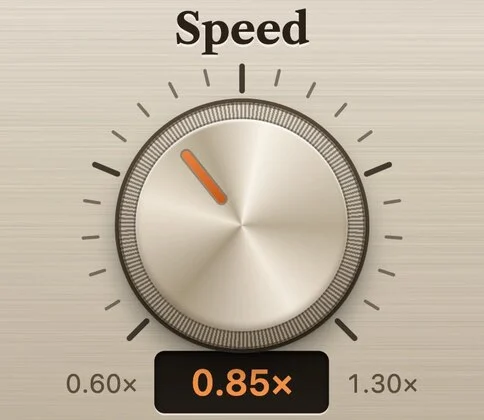
Sets how fast the track plays and how long the export lasts.
Pitch
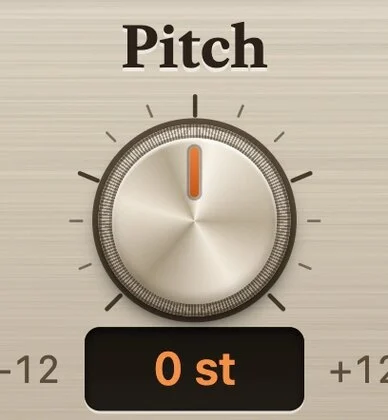
Transposes the notes in Stretch without changing the tempo.
Grit
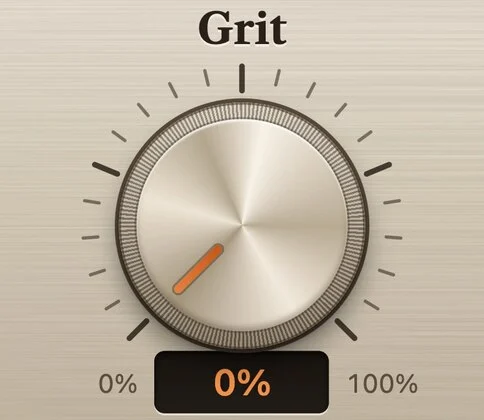
Blends the clean signal with a rougher sampler sound.
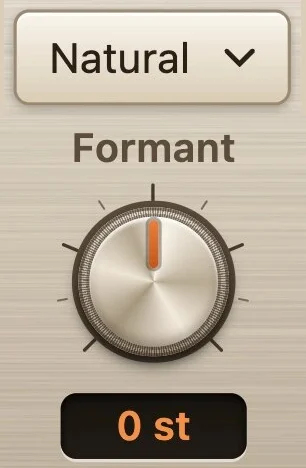
Formants and Formant
Shape the resonance of a voice independently of the note it sings in Stretch.
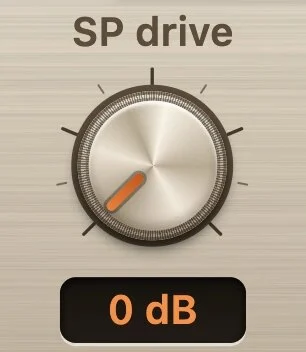
SP drive
Pushes the input into the sampler capture for a denser, rougher sound.
Reverb & space
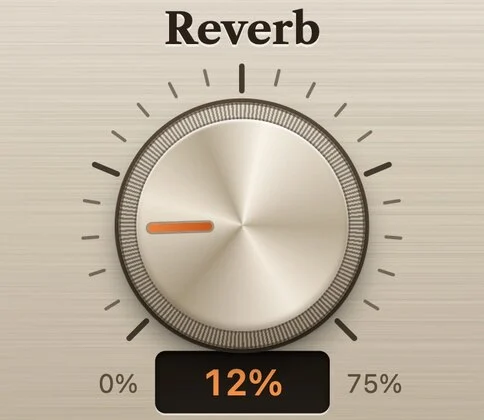
Reverb
Blends room reflections into the original track.
Room and Load impulse
Choose Dark plate, Stereo chamber, or the sound of a space captured in an impulse response.
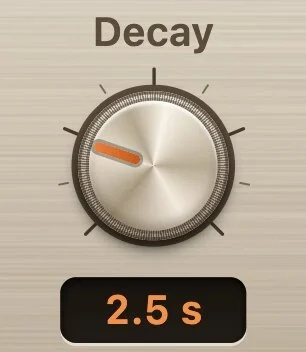
Decay
Sets how long the built-in room rings after a sound ends.
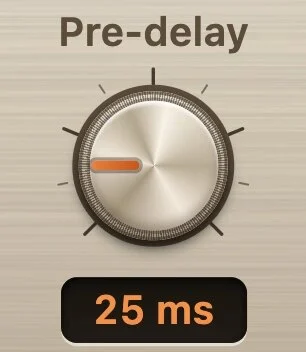
Pre-delay
Leaves a gap between the original sound and its first reverb.
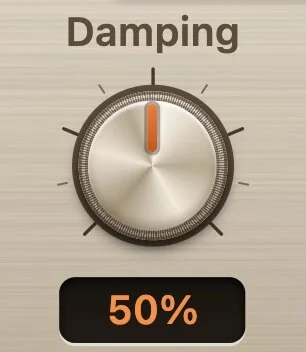
Damping
Sets how quickly the high frequencies fade out of a built-in room.
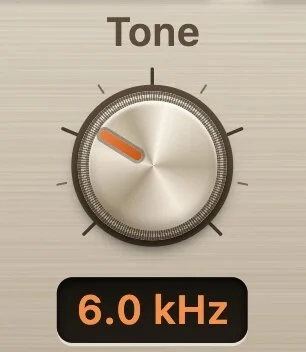
Tone
Sets the upper cutoff frequency of the reverb return.
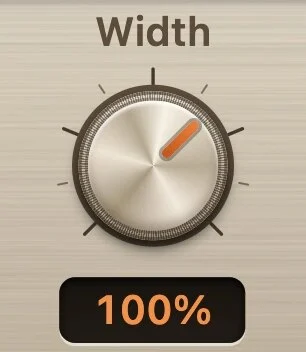
Width
Adjusts how far the reverb spreads between the speakers.
Presets, level & Pro
Dusk, After hours and Daybreak
Recall a starting combination of Speed, Reverb and Decay.
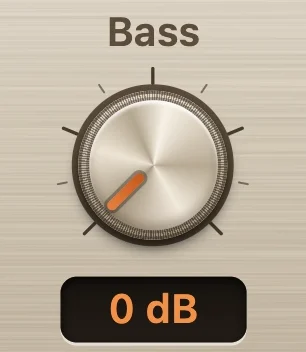
Bass
Boosts the low end of the finished mix with a shelf at 125 Hz.
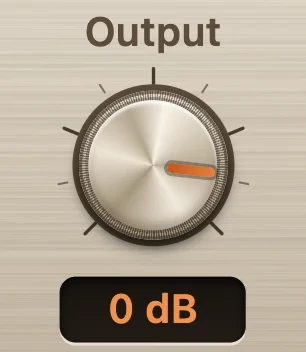
Output
Trims or raises the mix level before the master limiter.
Save and Recall
Store one personal mix preset on this device and apply it to another track.
Unlock Pro and Manage
Enter the Gumroad key for your edition to enable Bass, Output and the personal preset.
Three ways to change the sound
Tape speed
Classic
Pitch falls as you slow the track, just like playing a tape at a lower speed.
Sampler grit
SP-1200
Capture at 12-bit resolution, then pitch down for a rougher edge on drums and samples.
Independent pitch
Stretch
Change the tempo while holding the key, or shift the pitch and shape the voice separately.
From a session to a finished WAV
Find the pace
Move from 0.60× to 1.30× speed. In Stretch, transpose up or down an octave and adjust the formants to shape a voice. In SP-1200, the 26.04 kHz, 12-bit capture happens before the slowdown, so the grain drops in pitch with the sample.
Build the room
Choose Dark plate or Stereo chamber, or import an impulse response of your own. Pre-delay gives the first hit space before the reflections arrive. Adjust decay, damping, tone and width to place the tail behind the track.
Print the edit
Use the loop to audition a passage. Export renders the entire selected track, including the reverb tail, as a 24-bit stereo PCM WAV. Playback and export use the same master limiter, with a peak ceiling of −1 dBFS.